Turn an idea into a finished book.
Write one sentence. Watch the outline, every chapter and the cover appear, then download a book that’s ready to sell or give away.
Free to start: the outline, the cover and chapter 1. No card needed.See how it works
- Amazon KDP
- Apple Books
- Etsy
- Kobo
- Google Play Books
- Gumroad
- your own site
From one sentence to a book you can sell
Watch the sample book below being made, step by step. Every step is saved to your dashboard, so you can close the tab and pick up where you left off.
A short animation of the sample book being made. Step 1: the idea is typed in and a how-to guide, short length and friendly voice are picked. Step 2: the title and six chapter titles appear. Step 3: chapter 1 is written on screen. Step 4: the cover is drawn. Step 5: the PDF, EPUB, Word file, print cover, cover image and listing sheet are ready, and the KDP checks pass.
Six kinds of book, one place to make them
Write it with AI, draw it with AI, lay it out with code, or bring a manuscript you’ve already written. Compare every book type
Ebooks
Free preview, then 24–56 credits
Guides, workbooks, recipe books, self-help, business books and short novels, written from your idea.
Write an ebookPicture books
80 or 100 credits
A children's story, written and illustrated with the same characters on every page.
Make a picture bookColoring books
46–106 credits
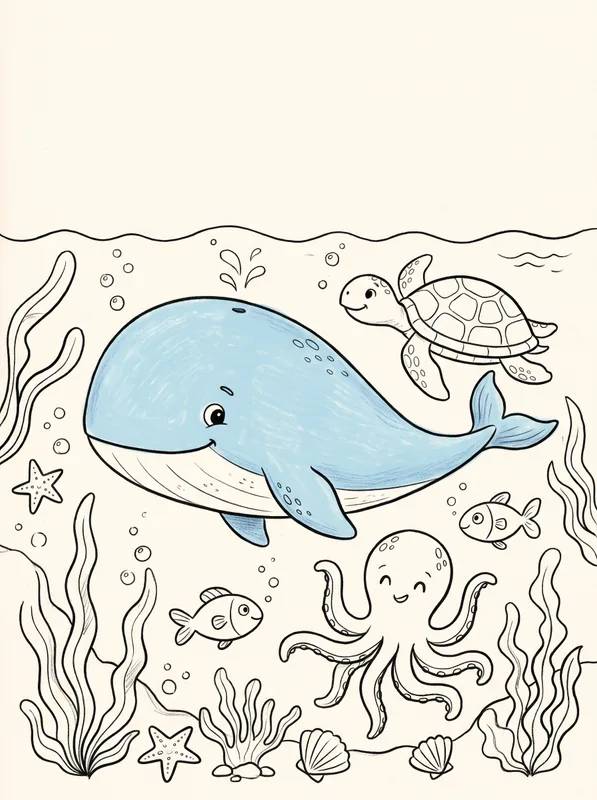
Clean line art on a theme you choose, for kids or adults, one picture per page.
Make a coloring bookJournals and planners
Free
Lined, dot grid and guided journals, planners, trackers and logbooks.
Make a journalYour own manuscript
Free, no account
Already written it? Upload a Word, Markdown or text file and get print-ready KDP files.
Format a manuscript
Made for authors, creators and coaches, and parents and teachers.
Made from one sentence
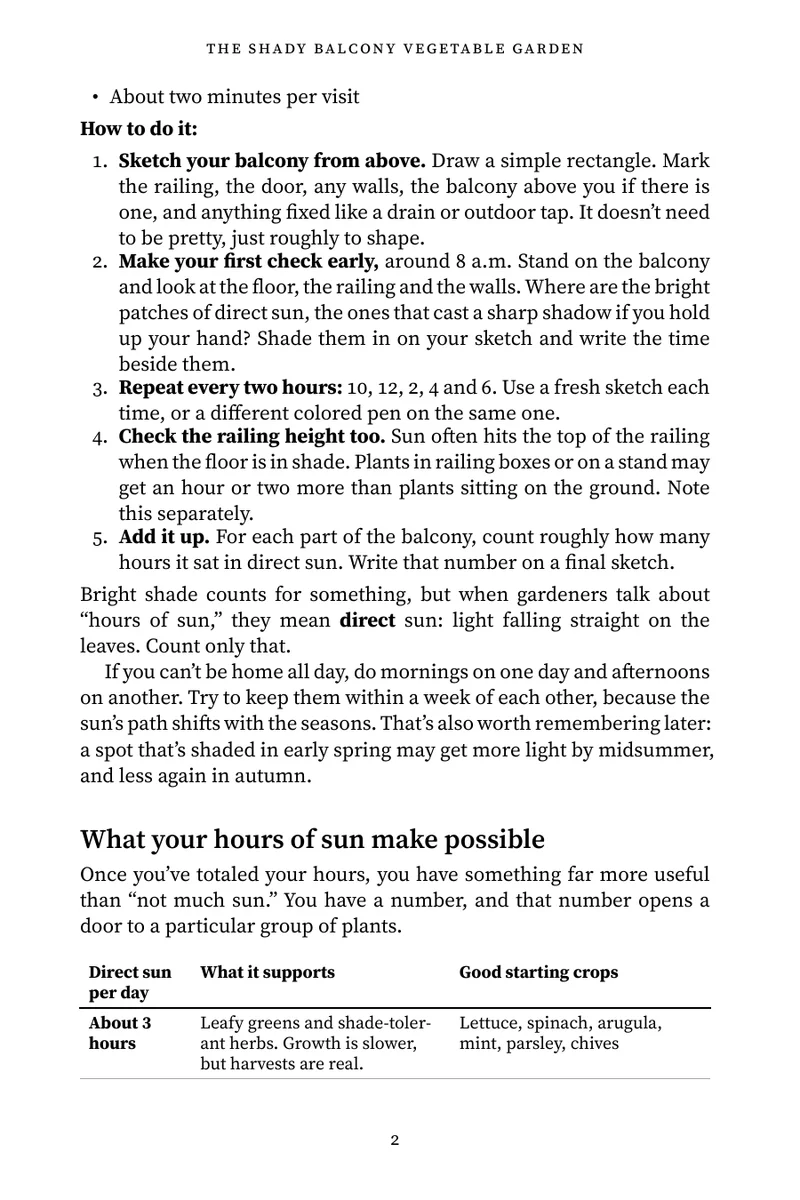
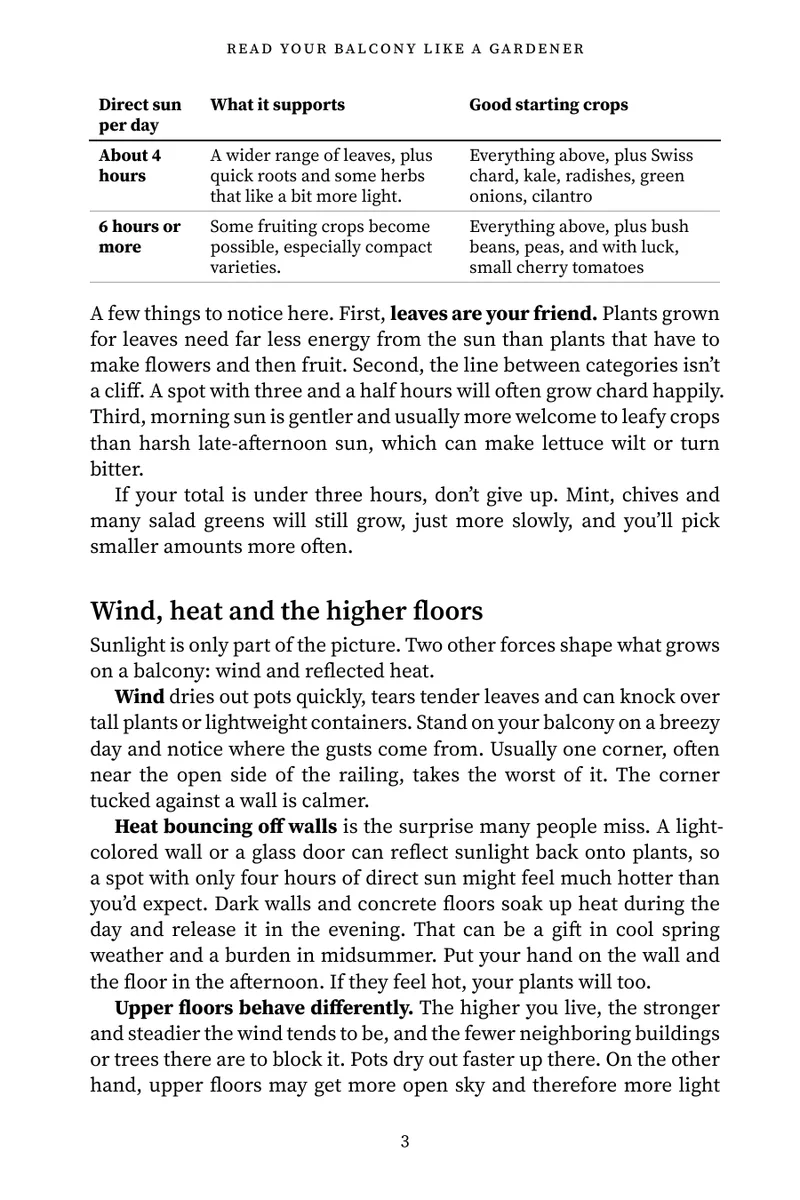
We typed this idea into idea2ebook and chose a how-to guide. These pages are from the PDF it made, not a mock-up.
“A beginner’s guide to growing vegetables on a small apartment balcony, even with only a few hours of sun”
- How-to guide
- 6 chapters
- About 8,250 words
- 42 pages
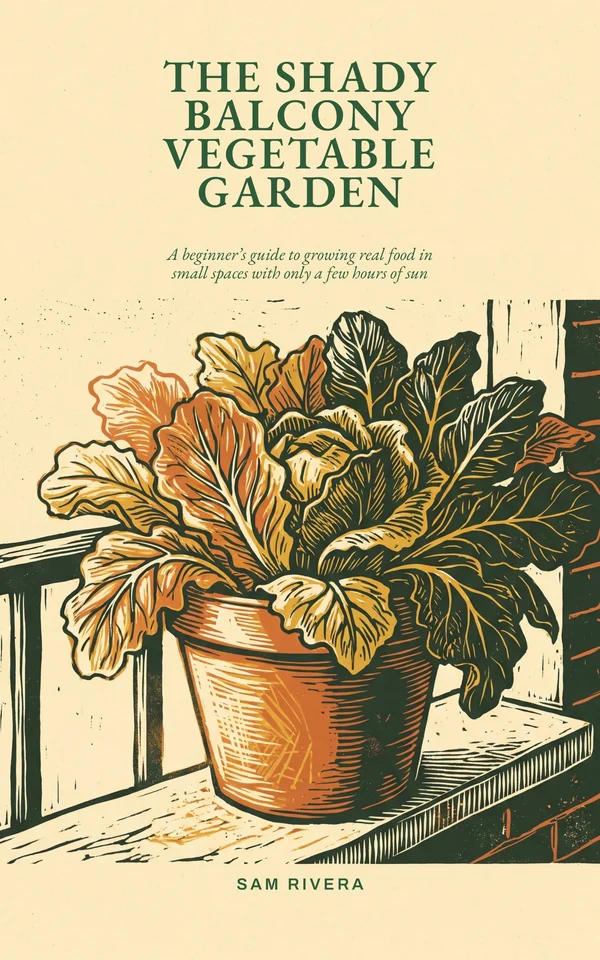
Page 1 of 13Cover
Make it look like a book from a publisher
These are real pages and covers, typeset from the sample book above. Pick an interior design and a cover layout, and switch any time before you download.
Write in 24 languages, from English and Spanish to Japanese and Hindi. KDP sells a few only as Kindle books or only as paperbacks.
4 interior designs for print and the EPUB
Centered chapter titles, small caps, quiet ornaments. Novels and memoirs.
6 cover layouts in 6 color themes, the title in real type over the art
 PosterTitle set on the art's open sky, in colors from the art
 Title bandA solid band across the top third
 Title on the artLarge title over the top of the picture, no box
 Bottom panelPicture above, title panel below
 FramedPicture inside a border, title in the margin
 Minimal typeType-only cover in the theme colors, picture small
Built to KDP’s print rules
Every number comes from KDP’s own help pages.
- 16 KDP trim sizesFrom 5 × 8 in to A4, with the pages and the cover laid out to fit.
- 0.125 in bleedAdded on the outside, top and bottom when art runs off the page.
- Margins that growThe inside margin grows with page count, from 0.375 in to 0.875 in.
- Checked before downloadMargins, spine text, cover size, the barcode area and image resolution.
Start free. Add credits when you need them.
Every ebook starts with a free outline, cover and first chapter. New accounts get 50 credits, which never expire.
Pay yearly and get 2 months free. Need only a few credits? Packs start at $15 for 100 credits.
Free
Ebook previews, journals, puzzle books and the free tools
$0
No card needed
Starter
About 5 ebooks or 2 picture books a month
$19/ month
200 credits a month
Author
Most pickedAbout 12 ebooks or 5 picture books a month
$39/ month
500 credits a month
Publisher
About 30 ebooks or 12 picture books a month
$79/ month
1,200 credits a month
Before you start
What's free?
Starting an ebook is free: the title, the outline, the cover and chapter 1, for up to 3 new books a day. Journals, puzzle books, the manuscript formatter, the KDP calculator and the puzzle makers are free and use no credits. New accounts also get 50 credits, which never expire.
What do credits buy?
Unlocking a 10-chapter ebook costs 40 credits and includes writing every chapter and all the downloads. Picture books and coloring books are paid when you start them. Plans start at $19 a month for 200 credits, or $190 a year, and one-time credit packs at $15 for 100.
Do I own what I make? Can I sell it?
Yes. The text, the pictures and the files are yours to sell, give away or change, on any store or your own site, including for commercial use. Read the book before you publish it: you're the editor, and you're responsible for what goes out under your name.
Do I need to say the book was made with AI?
Where the store asks, yes. Amazon KDP asks you to declare AI-generated text and images when you publish, so tick those boxes for ebooks, picture books and coloring books made here. Journals and puzzle books are laid out by code, and the formatter only typesets your own words, so they add nothing to declare.
Will KDP accept the files?
We follow KDP's published rules for trim size, margins, bleed, spine and cover size, and check every book against them. KDP still reviews every book itself, so no tool can promise approval. Order a proof copy before you publish and read it on paper.
Is idea2ebook part of Amazon?
No. It's an independent tool and isn't affiliated with or endorsed by Amazon or any store. You upload the files to your own accounts yourself.
More answers in the help center, and step-by-step advice in the guides.